> For the complete documentation index, see [llms.txt](https://occlusionn.gitbook.io/docs/llms.txt). Markdown versions of documentation pages are available by appending `.md` to page URLs; this page is available as [Markdown](https://occlusionn.gitbook.io/docs/documentation/seamless-shader/quickstart.md).
# Quickstart
This documentation explains what the Seamless Converter Shader is, how to install it, how the hex-based projection works, and how to get the best results in Built-in, URP, and HDRP.
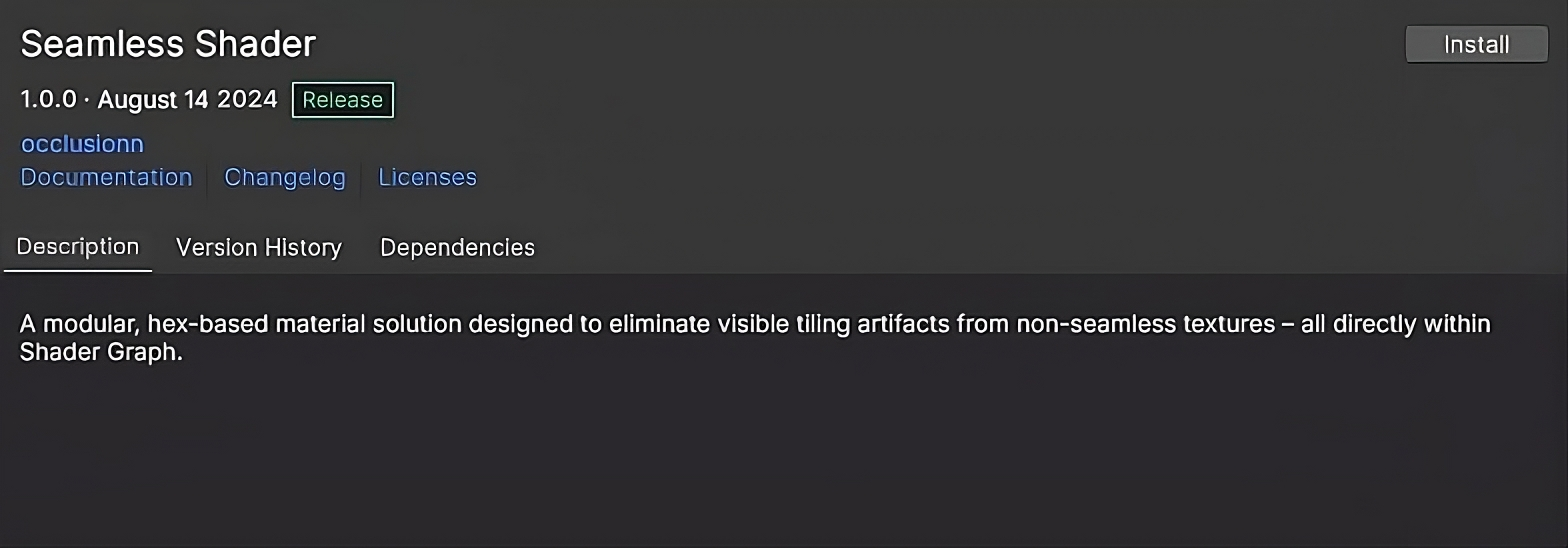
## Install from Asset Manager
* Open **Unity → Window → Package Manager → My Assets**.
* Find **Seamless Converter Shader** → **Download** → **Import**.
* You’ll see the `SeamlessConverter/` folder in your project.
{% hint style="info" %}
Want to learn about package manager window? Head to the [Unity's Package Manager](https://docs.unity3d.com/6000.1/Documentation/Manual/upm-ui.html) section to learn more.
{% endhint %}
## Automatic Render Pipeline Setup
Decal Collider automatically detects your project's active Render Pipeline (Built-in, URP or HDRP) on first import and installs the correct shader variant silently in the background.
No manual installer steps are required.
If you later switch render pipelines, simply reimport the asset to trigger the auto-setup again.
***
## Load the correct Pipeline version
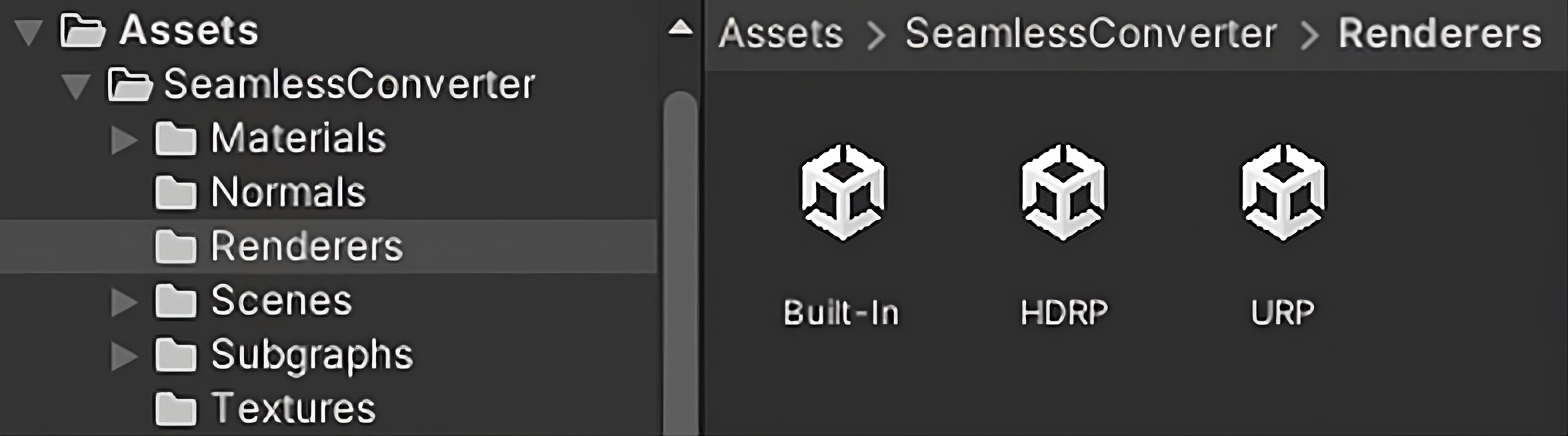
* Go to: `SeamlessConverter/Renderers/`
* Open the folder that matches your project (**Built-in**, **URP**, or **HDRP**).
* **Double-click** the installer/import file inside → **Import**.
* If you switch pipelines later, re-import the matching variant here.\
*Pink (magenta) materials = wrong or missing variant.*
## Make your first material
* **Create → Material** (e.g., `M_SeamlessTest`).
* Set **Shader** to **Seamless Converter Shader**.
* Assign a **non-seamless** texture to **Texture**.
* Turn **Seamless** **On**.
* Quick tuning:
* **Style:** Texture / Both / Debug
* **Focus:** smoothness between hex cells
* **Rotate / Zoom:** per-cell variation to break repetition
* (Optional) Add **Normal** map and adjust **Strength**.
## Try the demo scenes
Open `SeamlessConverter/Scenes/` → **Plane**, **Triplanar**, **Sphere** to see ready setups.
## Common fixes
* **Magenta materials:** Re-import the right variant from `Renderers/`.
* **URP/HDRP not rendering:** Ensure a valid **Pipeline Asset** is assigned in Project Settings.